Custom HTTP Authentication
Custom HTTP is an OTP-based authentication method that routes one-time passwords to users through configurable notification rules. When a user reaches a Custom HTTP factor, the system evaluates a set of rules against the user's attributes (e.g. RADIUS attributes, LDAP fields) and sends an OTP to the matched delivery address via SMS or email. The user then enters the code to complete authentication.
How It Works
- The authentication request arrives with a set of user attributes.
- The profile's notification rules are evaluated in priority order.
- The first matching rule determines which service (SMS or email) and which attribute value (phone number or email address) to use for delivery.
- A time-limited OTP is generated, stored in the session, and delivered.
- The user enters the OTP to complete the factor.
If no rule matches, the method fails. If the factor has no alternative auth methods, the session is immediately exhausted.
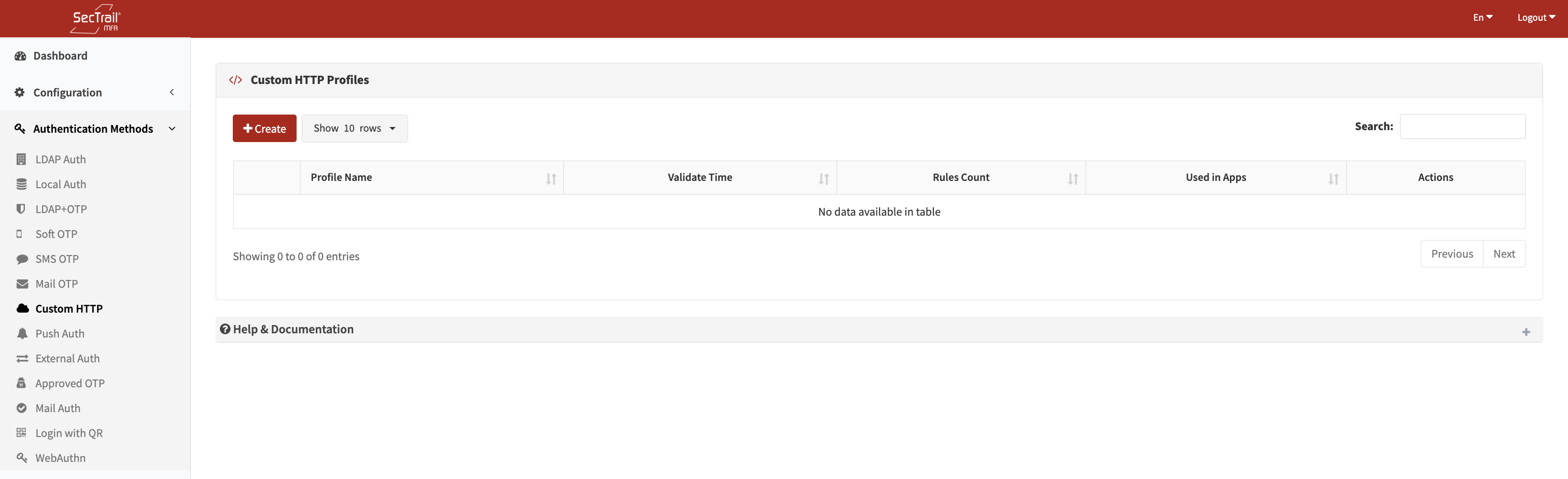
Custom HTTP profile list
Profile Configuration
Profile Name
A unique, descriptive label for this profile.
Validation Time
How many seconds the OTP remains valid after delivery.
Default: 120 seconds
Notification Rules
Each profile has one or more notification rules evaluated in priority order. Only the first matching rule with a non-empty target attribute value is used. Rules allow fallback behavior — for example, try SMS first, fall back to email if no mobile number exists.
Each rule has the following fields:
| Field | Description |
|---|---|
| Condition Attribute | The user/request attribute to evaluate (e.g. mobile, memberOf, mail) |
| Condition | Evaluation operator: exists (attribute is present and non-empty), equals (attribute matches a specific value) |
| Condition Value | Required when Condition is equals — the value to compare against; leave empty for exists |
| Service | The notification service used to deliver the OTP — an SMS service or a mail server configured in the system |
| Target Attribute | The attribute whose value is used as the delivery address (e.g. mobile for SMS, mail for email) |
Example Rule Set
Rule 1 (try SMS first):
- Condition Attribute:
mobile - Condition:
exists - Service: Corporate SMS Gateway
- Target Attribute:
mobile
Rule 2 (fallback to email):
- Condition Attribute:
mail - Condition:
exists - Service: Corporate Mail Server
- Target Attribute:
mail
With this setup, users who have a mobile number receive OTPs by SMS; users without one receive it by email.
Policy Configuration
A Custom HTTP Policy maps a profile to a specific group of users based on their authentication profile and an attribute condition. Policies control which users are directed to a particular Custom HTTP profile.
Policy Fields
| Field | Description |
|---|---|
| Custom HTTP Profile | The profile this policy applies to |
| Authentication Profile | An LDAP or Local profile used to look up the user |
| Attribute | The user attribute to match (LDAP: distinguishedName, sAMAccountName, memberOf, mail, displayName, userPrincipalName; Local: any user table column) |
| Attribute Value | The required value of that attribute for this policy to apply |
Policy Behavior
| Scenario | Behavior |
|---|---|
| No policy defined | All users use the default Custom HTTP profile configured at the factor level |
| Policies defined | Users matching a policy use that policy's Custom HTTP profile; users who match no policy use the default profile |
Policies are evaluated in priority order; the first matching policy is applied. Multiple policies can exist and can be reordered via drag-and-drop.
Use Cases
SMS Delivery Based on Mobile Attribute
Scenario: If the authentication request includes a mobile attribute, send the OTP via SMS.
Solution: Create a rule with the exists condition on the mobile attribute, select the SMS service, and set the target attribute to mobile. The OTP is delivered to the user's phone number.
Email Delivery for SecTrail Users
Scenario: If the request includes a sectrail attribute set to true, send the OTP by email.
Solution: Create a rule with the equals condition on the sectrail attribute with value true, select the Email service, and set the target attribute to email.
Conditional Service Selection
Scenario: Route different users to different delivery services based on a request attribute — for example, VIP users get SMS and standard users get email, based on userType.
Solution: Create multiple rules. The first rule matches userType equals VIP and routes to SMS; the second rule matches email exists and routes to email. Rules are evaluated in order, so the first match applies.
Setup Steps
- Go to Authentication Methods → Custom HTTP → Profiles
- Click Create Profile
- Enter a profile name and set the OTP validation time
- Add notification rules:
- Define the condition (which attribute and operator)
- Select the delivery service (SMS or Mail)
- Set the target attribute (the delivery address field)
- Add additional fallback rules as needed
- Save the profile
- Go to Authentication Methods → Custom HTTP → Policies
- Click Create Policy
- Select the Custom HTTP profile, authentication profile, and attribute/value condition
- Save the policy
- Assign the policy to an application factor in Configuration → Applications
Important Considerations
- Rules are evaluated in order — place the most specific or preferred rules first
- If the matched target attribute is empty for the user (e.g. no mobile number), the rule is skipped and the next rule is tried
- If all rules fail to match or all matched target attributes are empty, the authentication method fails
- The OTP is single-use; once entered correctly (or expired), the same code cannot be reused
- Condition value matching is case-sensitive (including the
containsoperator)