Local Authentication
Local authentication is an authentication method where user accounts are managed within SecTrail MFA's internal database. It is an ideal solution for environments without an LDAP/Active Directory infrastructure.
What is Local Authentication?
Local authentication profiles allow users to authenticate using local user accounts defined within SecTrail MFA. This method stands out with its ability to operate independently and its simple setup process.
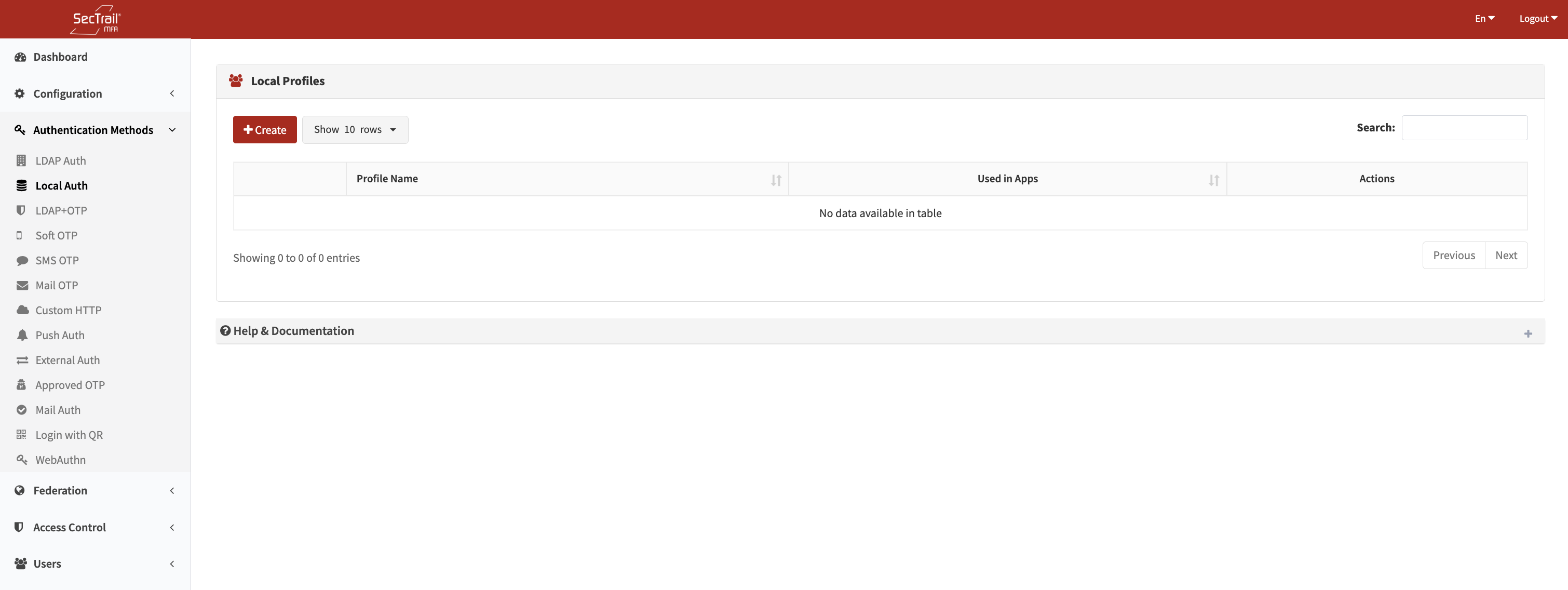
Local Auth Authentication Method
## ProfilesLocal authentication profiles define how local users will be validated.
Profile Configuration Fields
- Profile Name: A descriptive name for the profile.
User Authentication Flow
- User Login: The user attempts to log in with their username and password
- Local Database Check: SecTrail MFA checks the user information in the local database
- Password Verification: The entered password is hashed and compared with the stored hash
- Access Control: If authentication is successful, the user is granted access
Local user passwords are encrypted using secure hashing algorithms and are never stored in plain text.
Policies
Local authentication policies determine which users will be validated using which profile.
Policy Configuration Fields
- Local Profile: The local authentication profile to be used
- Attribute: User attribute (Username, Group, Email, etc.)
- Attribute Value: The value(s) to be matched for the attribute
Key Features
- User Routing: Route users to different profiles based on user attributes (username, group membership, email, etc.)
- Flexible Matching: Wildcard (*) and regex support for attribute values
- Priority Management: Control which rule is applied first using policy ordering
Policy Behavior
- If No Policy Exists: All users are routed to the default profile
- If Policies Exist: Only users matching policy rules can be authenticated
- Priority Order: Policies are evaluated from top to bottom; the first matching policy is applied
Use Cases
Scenario 1: Standalone Environments
Ideal for small and medium-sized organizations without an LDAP infrastructure.
Scenario 2: Department-Based Separation
Create separate local user groups for different departments and manage them independently.
Scenario 3: Temporary Users
Quickly create accounts for external partners or temporary workers.
Setup Steps
- Create User: Define users under User Management > Local Users
- Create Group: (Optional) Create groups to organize users
- Create Profile: Create a local authentication profile
- Assign Policy: Create a policy to assign the profile to users or groups
- Application Integration: Add the profile to application profiles
Advantages
- ✅ Independent Operation: Does not require LDAP/AD
- ✅ Easy Setup: Fast and simple configuration
- ✅ Centralized Management: All users managed directly from SecTrail MFA
- ✅ Import/Export Support: CSV support for bulk user operations