LDAP Authentication
LDAP authentication enables users to be verified through Active Directory or other LDAP directory services. It offers centralized identity management and integration for corporate environments.
What is LDAP Authentication?
LDAP (Lightweight Directory Access Protocol) profiles allow users to authenticate to SecTrail MFA using their existing accounts in Active Directory, OpenLDAP, or similar directory services. It provides centralized user management by utilizing the existing corporate infrastructure.
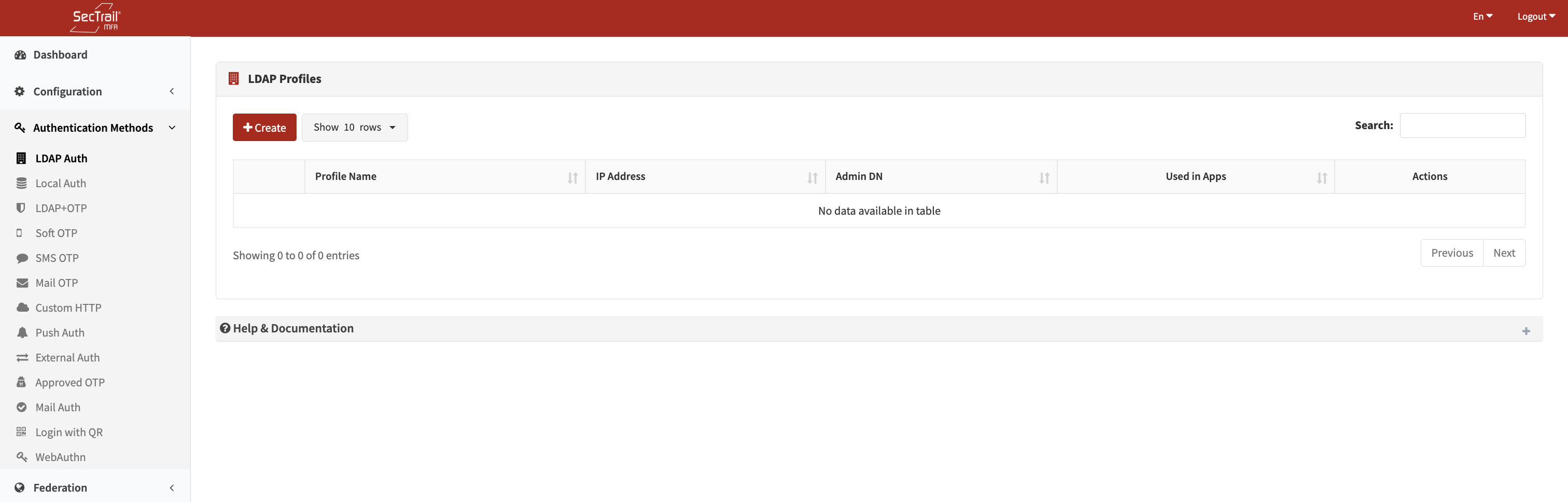
Ldap Auth Authentication Method
Profiles
LDAP profiles define how users will be verified with the LDAP directory services.
Profile Configuration Fields
- Profile Name: A descriptive name for the profile
- Directory Type: Active Directory, OpenLDAP, Generic LDAP
- Server Address: LDAP server IP address or hostname
- Connection Type: LDAP or LDAPS (SSL/TLS)
- Port: LDAP port number (typically 389, or 636 for LDAPS)
- Admin DN: LDAP administrator Distinguished Name (e.g.,
CN=Administrator,CN=Users,DC=company,DC=com) - Admin Password: LDAP administrator password
- Base DN: The base DN from which user searches will start (e.g.,
DC=company,DC=com) - Query Attributes: Attributes to be used for user search (usually
sAMAccountName,userPrincipalName,mail) - Phone Attribute: Attribute name for the phone number (e.g.,
mobile,telephoneNumber) - Mail Attribute: Attribute name for the email address (e.g.,
mail,email) - Manager Attribute: Attribute for manager information (e.g.,
manager) - Unique Attributes: Unique user identifier attribute (e.g.,
objectGUID,entryUUID) - Test User: Username for connection testing
LDAP Connection Types
LDAP (Port 389):
- Standard LDAP connection
- Unencrypted communication
- Suitable for internal network use
LDAPS (Port 636):
- SSL/TLS encrypted LDAP connection
- Secure communication
- Recommended for production environments
Supported Directory Services
- Microsoft Active Directory
- OpenLDAP
- FreeIPA
- 389 Directory Server
- Other LDAP v3 compliant directory services
Policies
LDAP policies determine which users will be verified with which LDAP profile.
Policy Configuration Fields
- LDAP Profile: The LDAP profile to be used
- Attribute: LDAP user attribute
- Common attributes:
memberOf,department,title,mail,cn,sAMAccountName - Active Directory group membership:
memberOf - Department information:
department - Organization:
oorou
- Common attributes:
- Attribute Value: The value or values to be matched
- Values retrieved from LDAP can be selected from a dropdown
- Custom values can be entered manually
- Supports Wildcard (
*) and regex patterns
Key Features
- Group Redirection: Redirecting users to different profiles based on Active Directory group membership (
memberOf) - Domain Redirection: Redirecting users to different LDAP servers based on the user's domain
- Flexible Matching: Flexible attribute matching with wildcard and regex
- Priority Management: Controlling which rule is applied first through policy ordering
User Authentication Flow
- User Enters Credentials: User enters username (and domain) and password
- Connects to LDAP Server: SecTrail MFA connects to the configured LDAP server
- User is Searched: Connecting with the Admin DN, the user is searched under the Base DN
- Password Verification: A bind operation is performed with the found user's DN
- Attributes are Retrieved: The user's attributes (phone, mail, groups, etc.) are read
- Access Control: If verification is successful, the user is granted access
After creating the LDAP profile, always perform a connection test with a "Test User." This verifies that the LDAP configuration is correct and users can be authenticated.
Policy Behavior
- If No Policy Exists: All users are authenticated with the default LDAP profile
- If Policies Exist: Only users who comply with the policy rules can be authenticated with the relevant profile
- Priority Order: Policies are evaluated from top to bottom; the first matching policy is used
Usage Scenarios
Scenario 1: Single Active Directory
All company users are authenticated through a single AD.
Scenario 2: Multiple Domains
Users in different domains are directed to their own ADs.
Scenario 3: Group-Based Redirection
IT department and other users are authenticated with different authentication chains.
Installation Steps
- Obtain LDAP Information: Prepare the Active Directory/LDAP server information
- Create a Service Account: Create an administrator account to perform LDAP queries (read-only permission is sufficient)
- Create an LDAP Profile: Configure all LDAP connection information
- Perform Connection Test: Test the LDAP connection with a test user
- Verify Attributes: Check that the phone and mail attributes are retrieved correctly
- Create Policy (Optional): For group or attribute-based redirection
- Application Integration: Add the profile to application profiles
Advantages
- ✅ Centralized Management: Utilizing the existing Active Directory infrastructure
- ✅ Single Password: Users use their AD passwords
- ✅ Automatic Synchronization: User information is automatically retrieved from AD
- ✅ Group-Based Policies: Different authentication chains based on AD groups
- ✅ SSO Compatibility: Integration with corporate SSO solutions
Points to Consider
- The LDAP/LDAPS port (389/636) must be accessible from the SecTrail MFA server
- The service account password must be stored securely
- LDAPS (encrypted connection) usage is recommended
- The Base DN must be set correctly (an incorrect Base DN will fail to find users)
- Phone and mail attributes must be defined correctly (required for SMS/Mail OTP)
- A connection test must be performed
- LDAP server performance should be monitored
Common LDAP Attributes
Active Directory
- Username:
sAMAccountName,userPrincipalName - Full Name:
cn,displayName - Email:
mail - Phone:
mobile,telephoneNumber - Group Membership:
memberOf - Manager:
manager - Department:
department
OpenLDAP
- Username:
uid,cn - Email:
mail - Phone:
mobile,telephoneNumber - Group Membership:
memberOf(requires overlay)