System Logs
SecTrail CM records all operations performed on the system under different log categories. These logs can be monitored within the system or forwarded to an external Syslog server.
Syslog Configuration
To forward logs to an external Syslog server, edit the existing profile under System > Log > Logging Profiles.

Click the pencil icon on the profile and fill in the following fields:
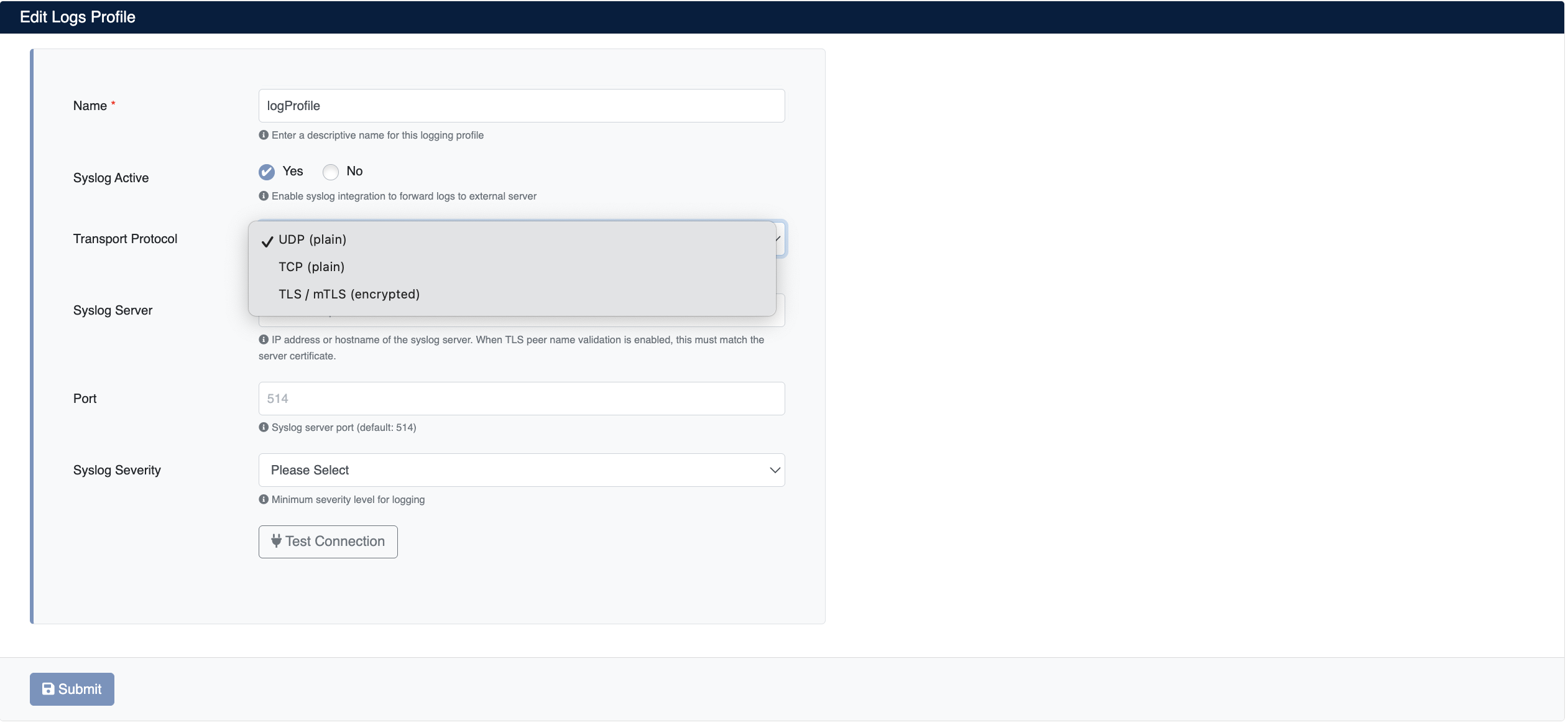
- Name: A descriptive name for the log profile
- Syslog Active: Select
Yesto enable Syslog forwarding - Transport Protocol: The transport protocol used to forward logs (
UDP (plain),TCP (plain),TLS / mTLS (encrypted)) - Syslog Server: IP address or hostname of the Syslog server. When TLS peer name validation is enabled, this value must match the server certificate.
- Port: Port of the Syslog server (default:
514) - Syslog Severity: Minimum log severity level to forward (e.g.
info,warning,error)
After filling in the fields, you can verify the connection to the syslog server with the Test Connection button, then save the profile with Submit.
Transport Protocols
SecTrail CM supports three transport protocols for syslog forwarding:
| Protocol | Description | Use Case |
|---|---|---|
| UDP (plain) | Unencrypted, connectionless transport. This is the traditional syslog method; it has the lowest overhead, but delivery of logs is not guaranteed. | On trusted internal networks, for high-volume log forwarding |
| TCP (plain) | Unencrypted, connection-oriented transport. Delivery reliability is higher than UDP, and large log messages are forwarded without fragmentation. | On internal networks where log loss is unacceptable |
| TLS / mTLS (encrypted) | Encrypted transport over TCP. Logs are encrypted in transit and the identity of the syslog server is verified. | Across network segments, over untrusted networks, or in environments with compliance requirements |
Logs may contain sensitive data such as usernames, IP addresses, and certificate information.
When mTLS (mutual TLS) is used, not only does SecTrail CM verify the identity of the syslog server, but the syslog server also verifies the identity of SecTrail CM. This protects the log source against spoofing.
Log Categories
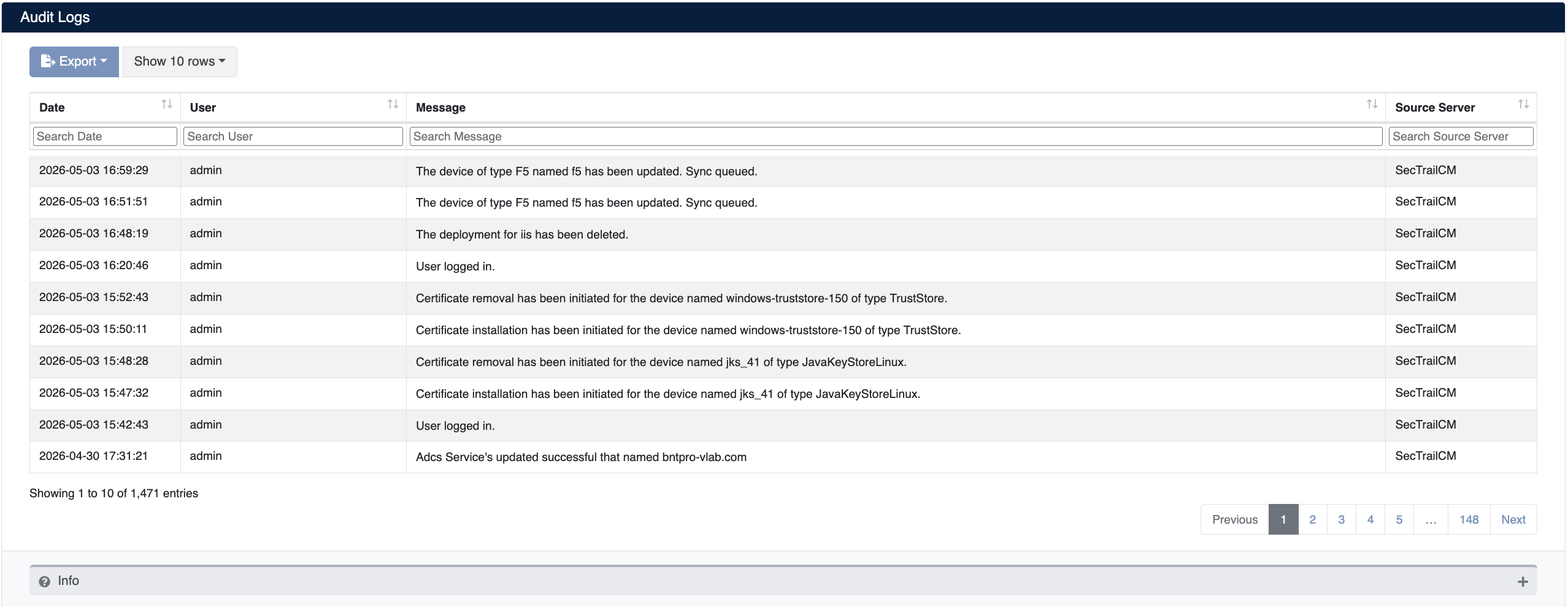
Audit Logs
Records user actions and system events. Used to track who performed which operation and when.
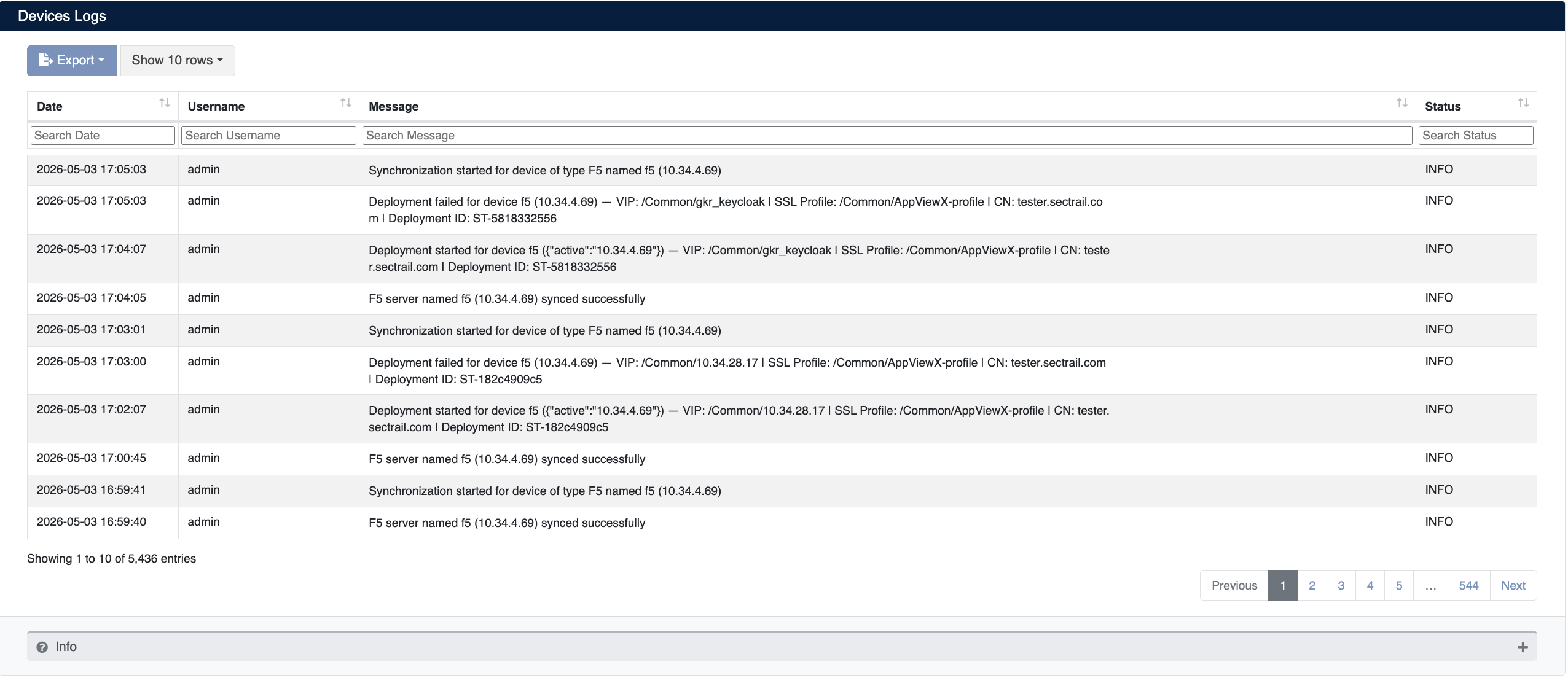
Device Logs
Contains detailed logs of certificate deployment and synchronization operations performed on devices.
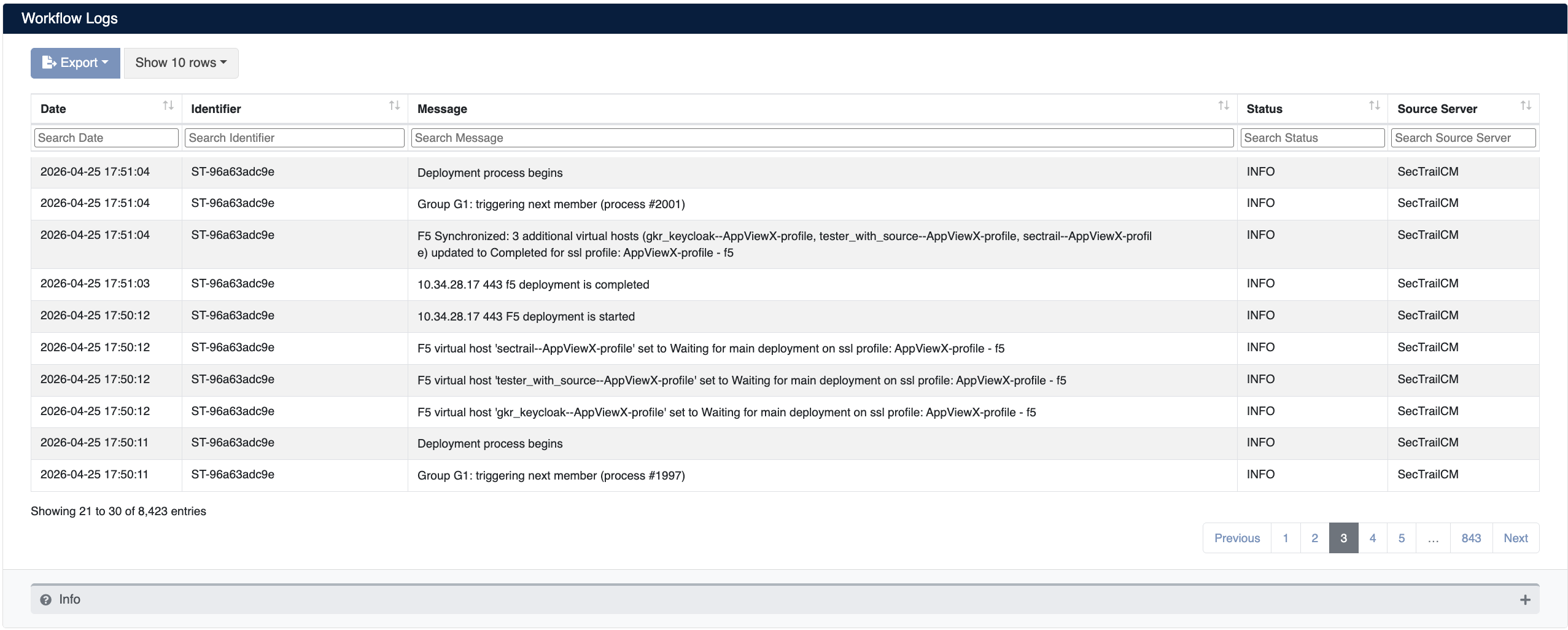
Workflow Logs
Contains step-by-step logs of deployment processes triggered within automation workflows.
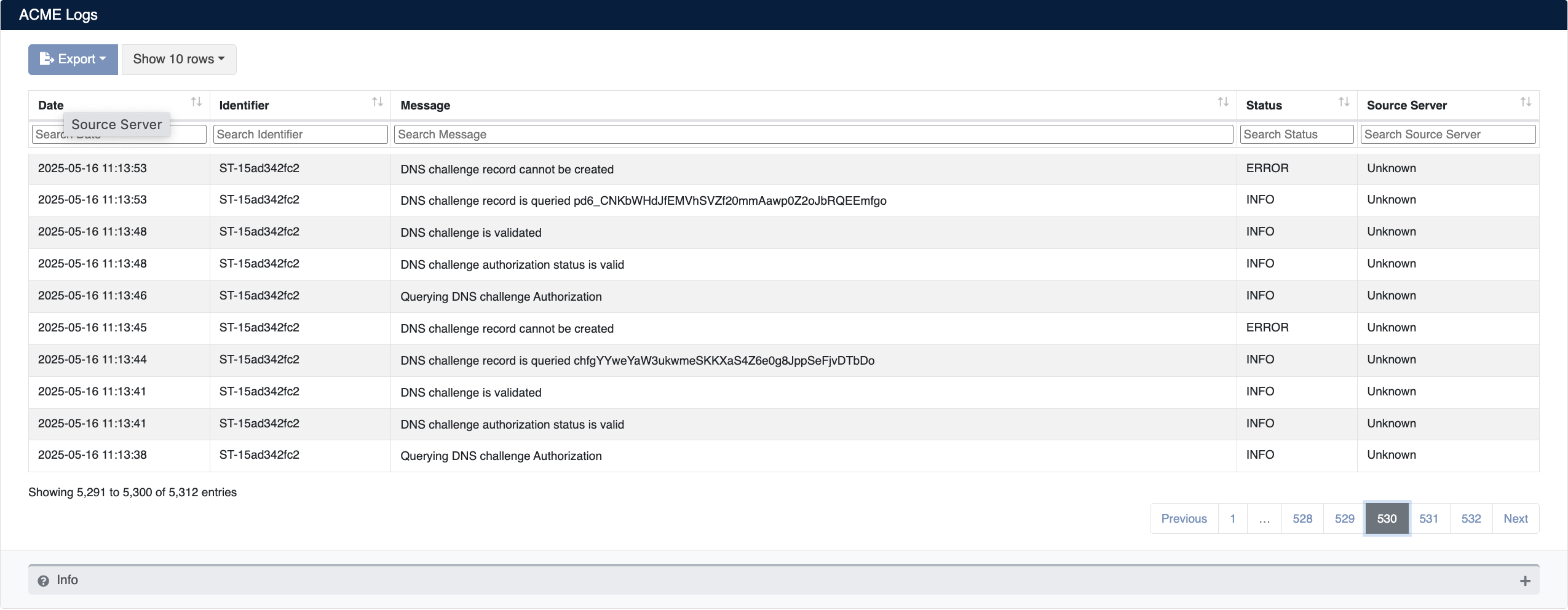
ACME Logs
Contains logs of DNS challenge and certificate renewal operations performed via the ACME protocol.