Mac Login Integration
SecTrail MFA provides multi-factor authentication for macOS operating system login.
Features
🔐 Login Screen Authentication
SecTrail MFA is activated during the macOS login process. MFA verification is performed when the user turns on the computer or switches users.
MFA verification is only active on the login screen. MFA is NOT activated during the lock screen state.
👥 Multiple Account Support
- MFA for multiple user accounts on the same Mac
- Admin and standard user distinction
- User-based policies
Configuration
SecTrail MFA Side
- API Client: Create an Agent-type API client for the API credentials required during SecTrail Credential Provider installation
- Application Profile: Create an API-type application profile for Mac Login factor configuration
- Authentication Methods: Add desired authentication methods (Push, SMS OTP, Soft OTP, etc.) to the application profile
macOS Side
SecTrail MFA Pluggable Authentication Module (PAM) is installed on the macOS system.
Installation Steps
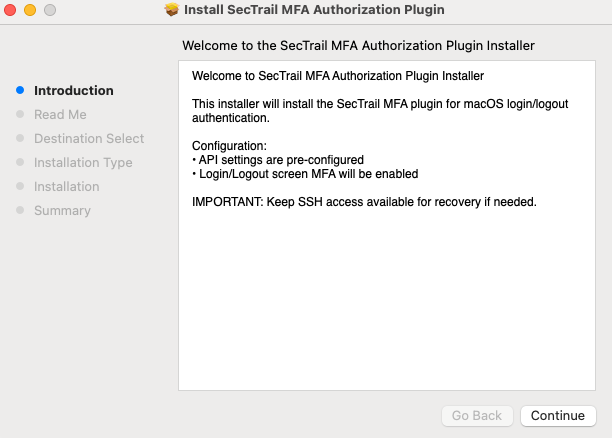
Step 1: Installation wizard welcome screen - API settings come pre-configured
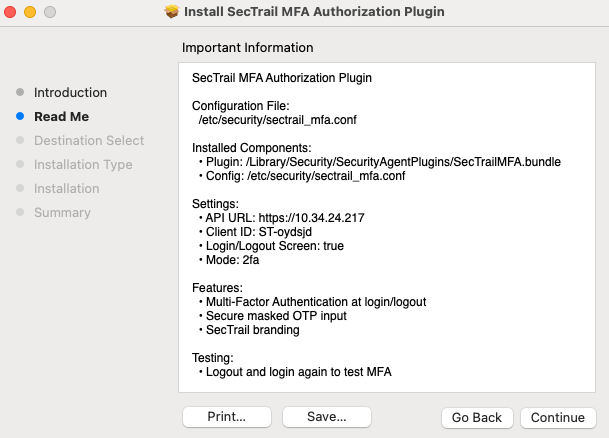
Step 2: Detailed information about configuration file and components to be installed
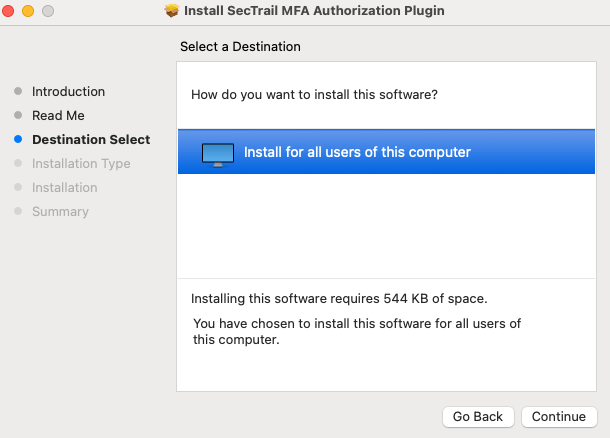
Step 3: Installation destination selection - Installation is performed for all users on the computer
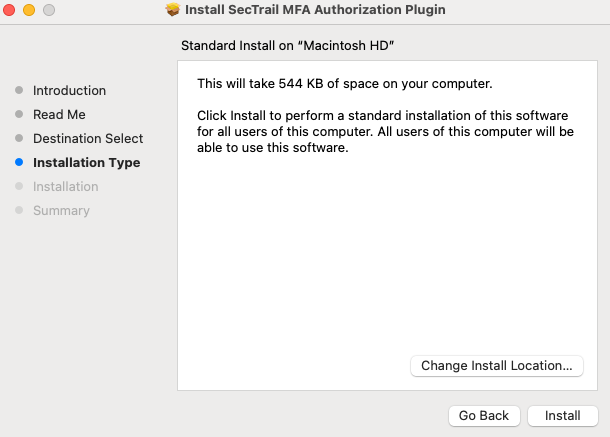
Step 4: Installation type confirmation - Click Install button to start installation
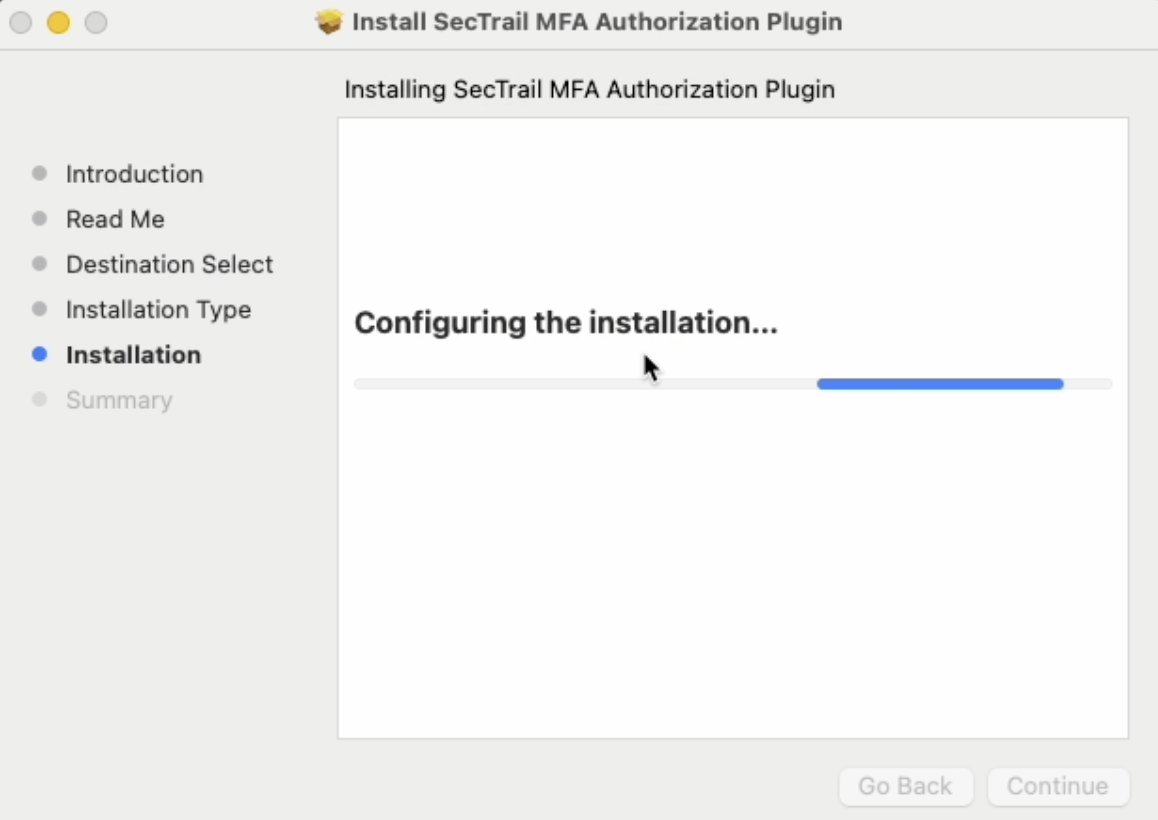
Step 5: Installation in progress - Configuring plugin and copying files
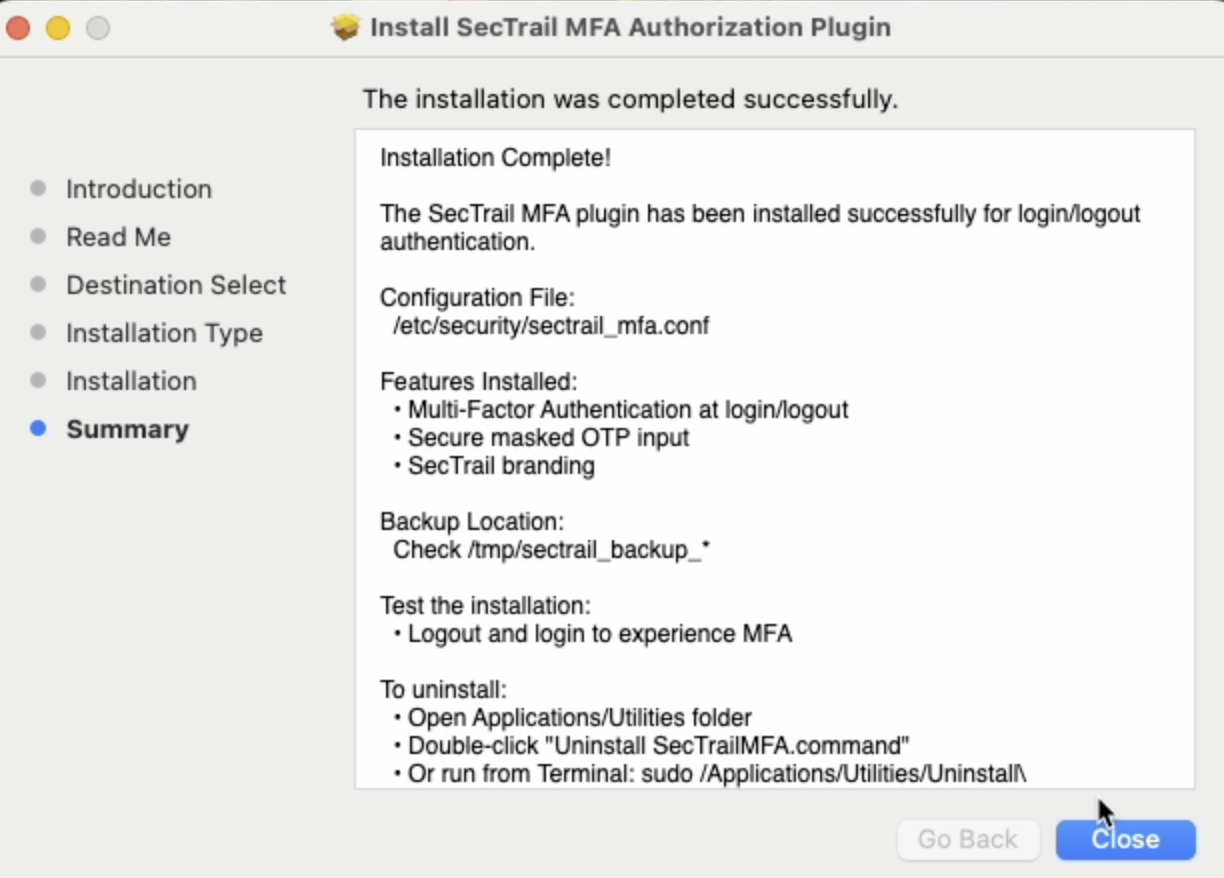
Step 6: Installation completed successfully - MFA plugin is now active for login/logout
Supported Authentication Methods
Authentication methods available for macOS Login integration:
- LDAP Authentication: Authentication with Active Directory or LDAP server
- Local Authentication: Authentication with SecTrail MFA's local user database
- LDAP+OTP: Two-factor authentication with password + OTP on a single screen
- Soft OTP: Time-based one-time password with mobile app (SecTrail Authenticator)
- SMS OTP: One-time password sent via SMS
- Mail OTP: One-time password sent via email
- Push Notification Authentication: Approval via push notification through mobile app (SecTrail Authenticator)
- Approved OTP: Authentication with pre-approved OTP codes
Sudo privileges are required for macOS PAM module installation.